
Whirlpool WOC75EC0HS30 Inch Smart Combination Wall Oven with Wi-Fi Connectivity, True Convection, Alexa and Google Home Voice Control, Scan-to-Cook Technology, Frozen Bake™, Touchscreen, Convection Conversion, Nest Learning Thermostat™, Party Mode, Temperature Sensor, Control Lock and Rapid Preheat: Black-on-Stainless
Whirlpool WOC75EC0HS
126 Reviews
Price:$3,099.00
Replaced by Model

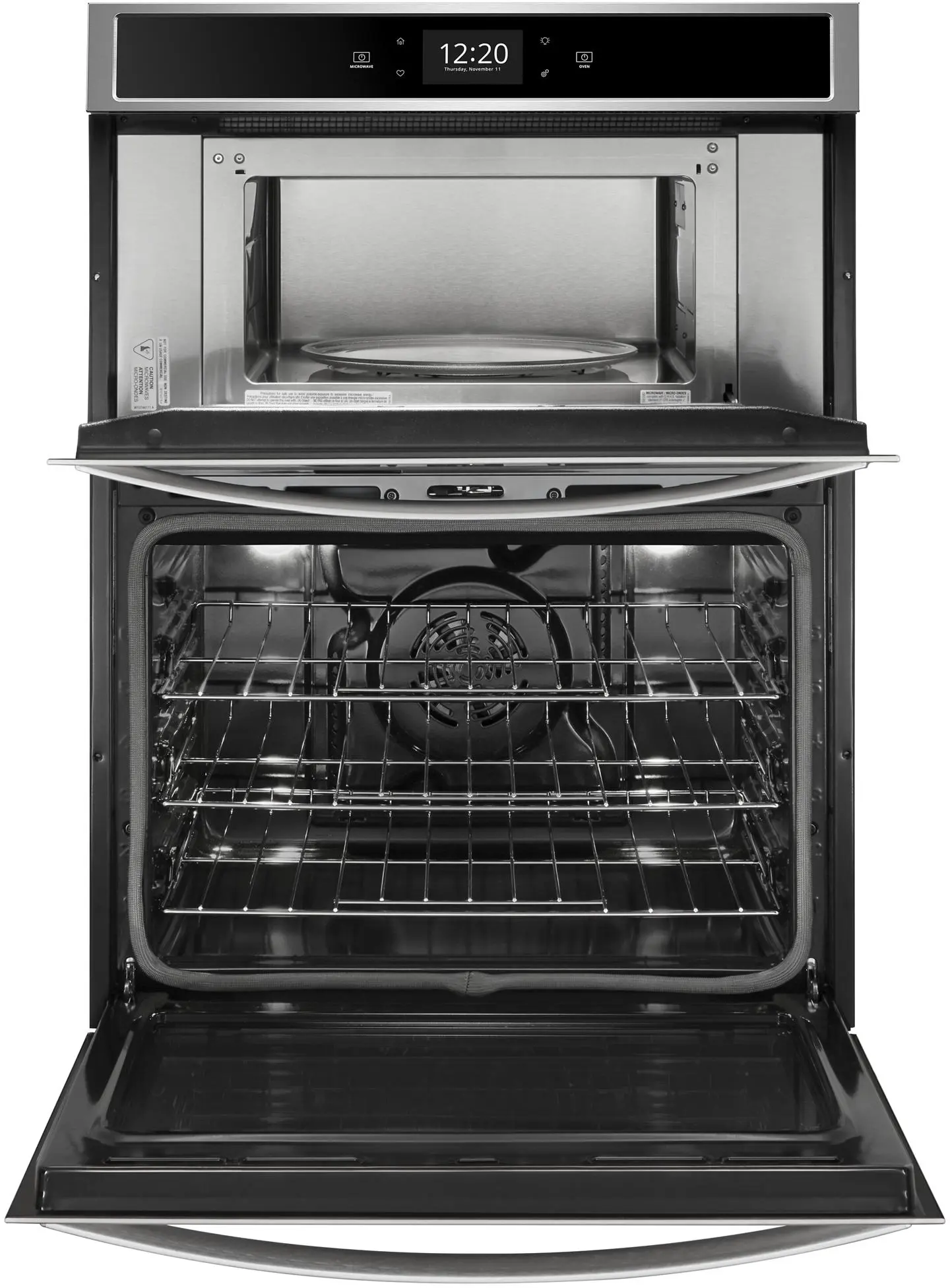
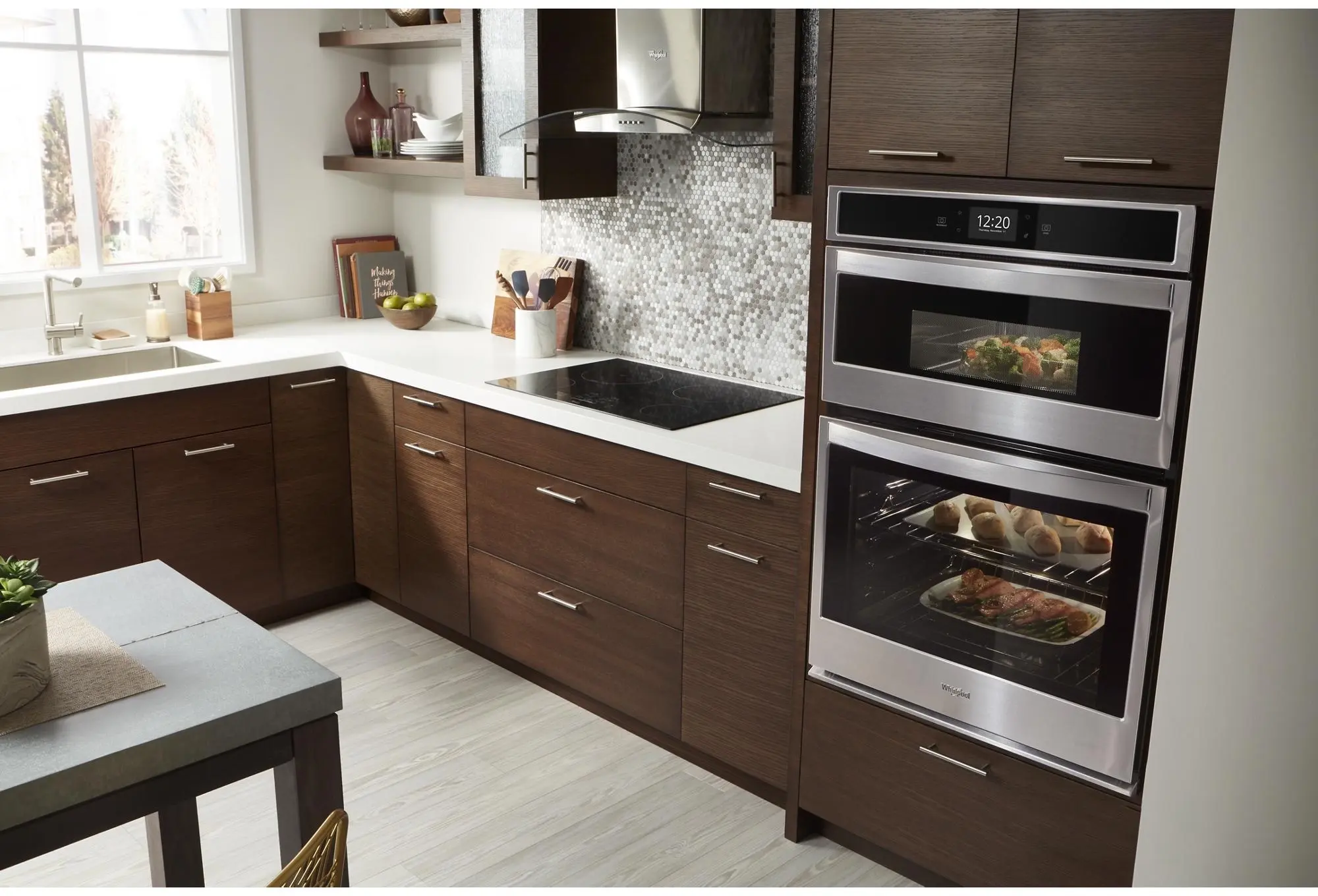
Combination Wall Oven:Yes
Color:Stainless Steel
Double Oven:Yes
Electric:Yes
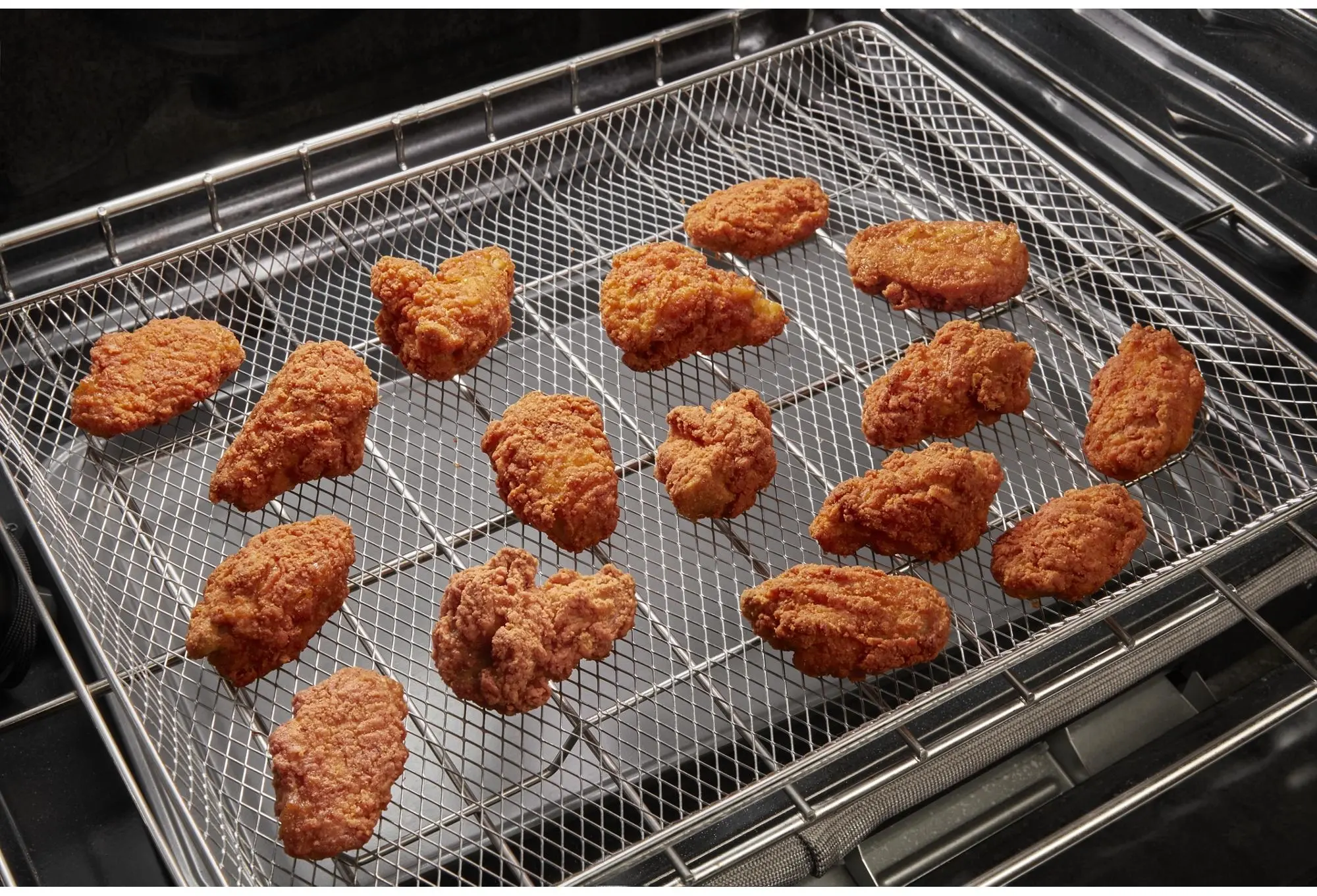
Air Fry:Yes
Hidden Bake Element:Yes
Temperature Probe:Yes
Convection:Yes
Whirlpool WOC75EC0HS Features
Smart Appliance
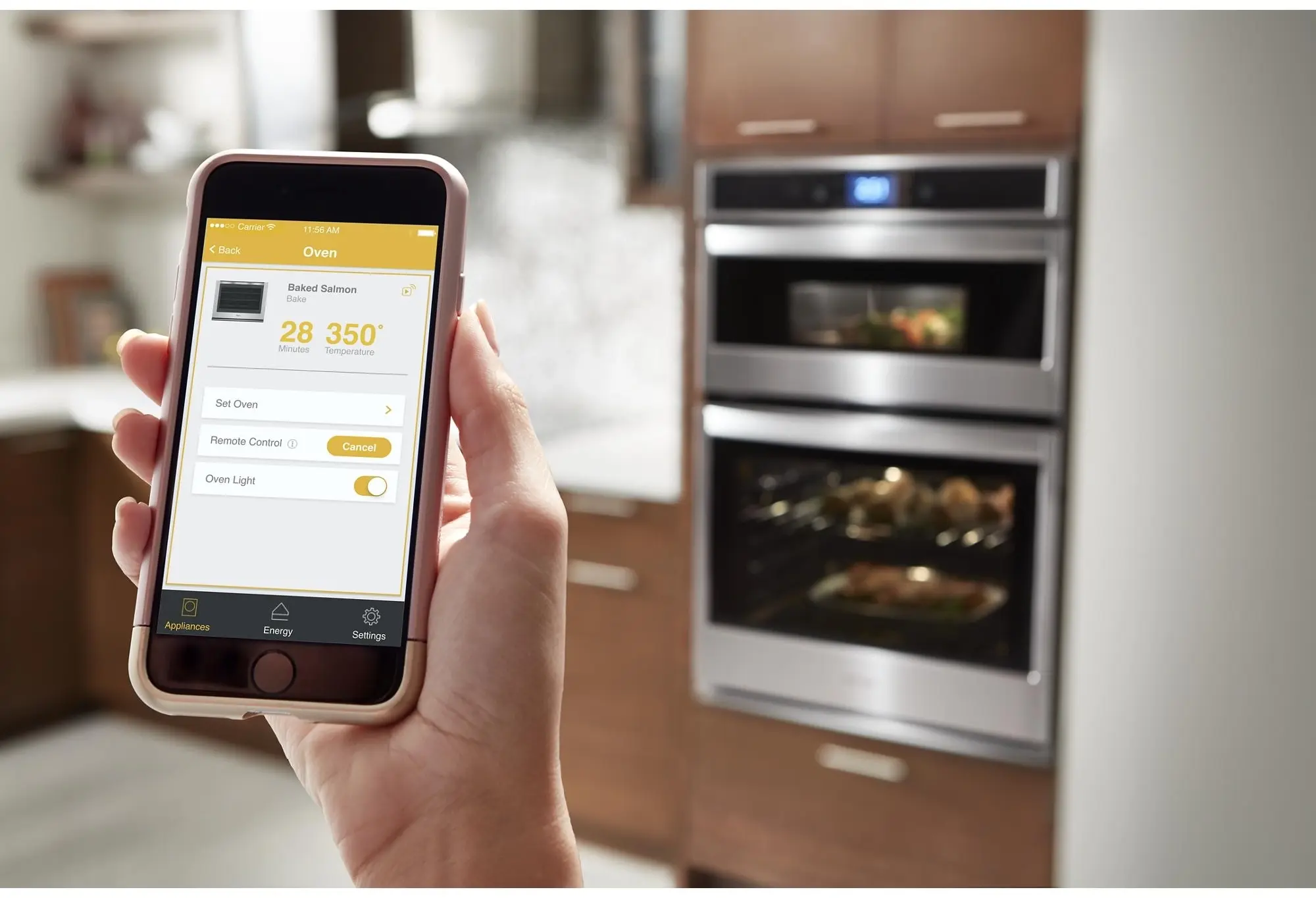
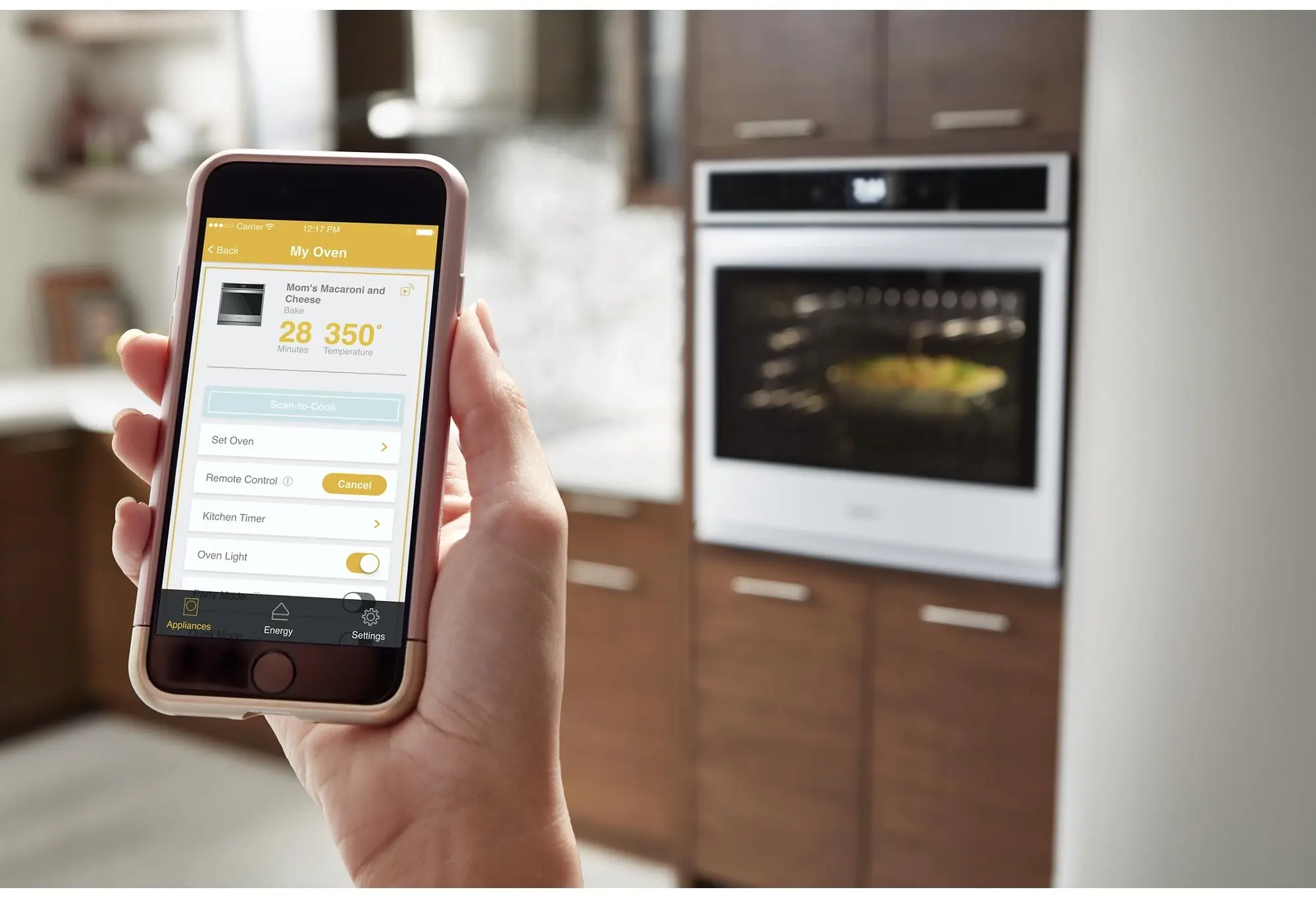
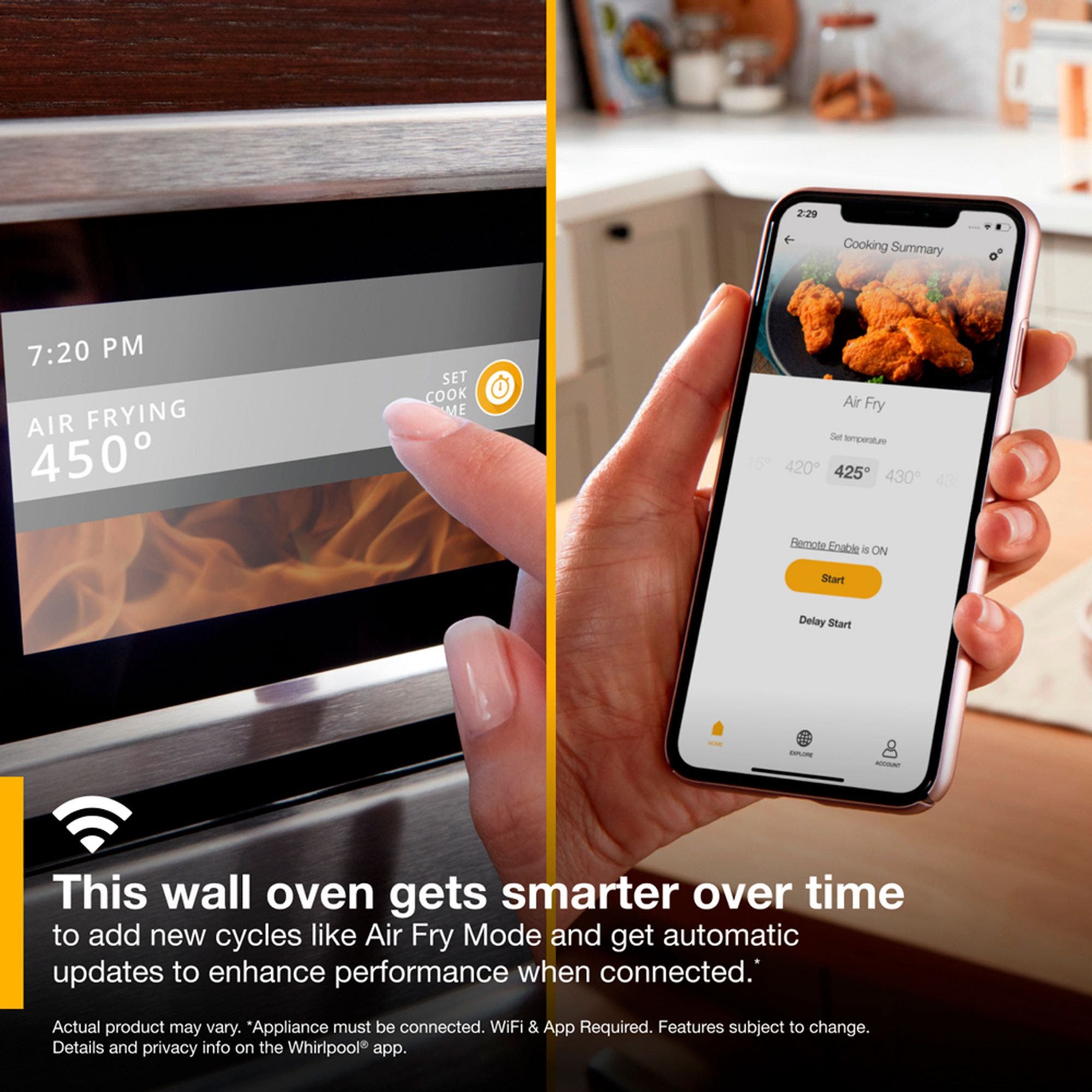
Care smarter with connected features that let you send cooking instructions to the oven from your smartphone, control your kitchen with voice commands through a smart home assistant or skip preheating.
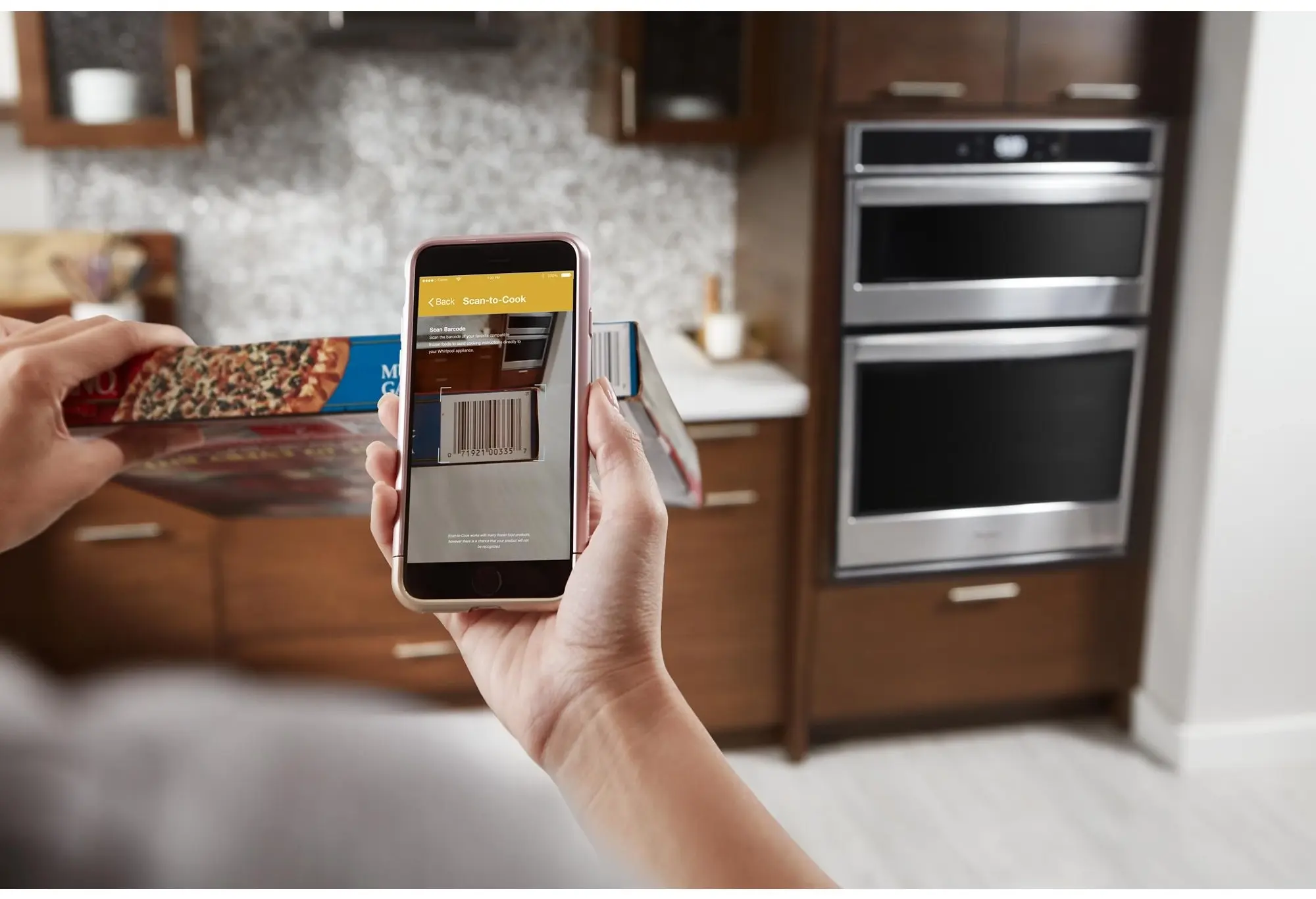
Scan-to-cook Technology
Get the right settings every time. Scan a frozen food barcode with your smartphone or tablet and send recommended or customized cooking instructions straight to your oven for dinner done the way your family wants it.
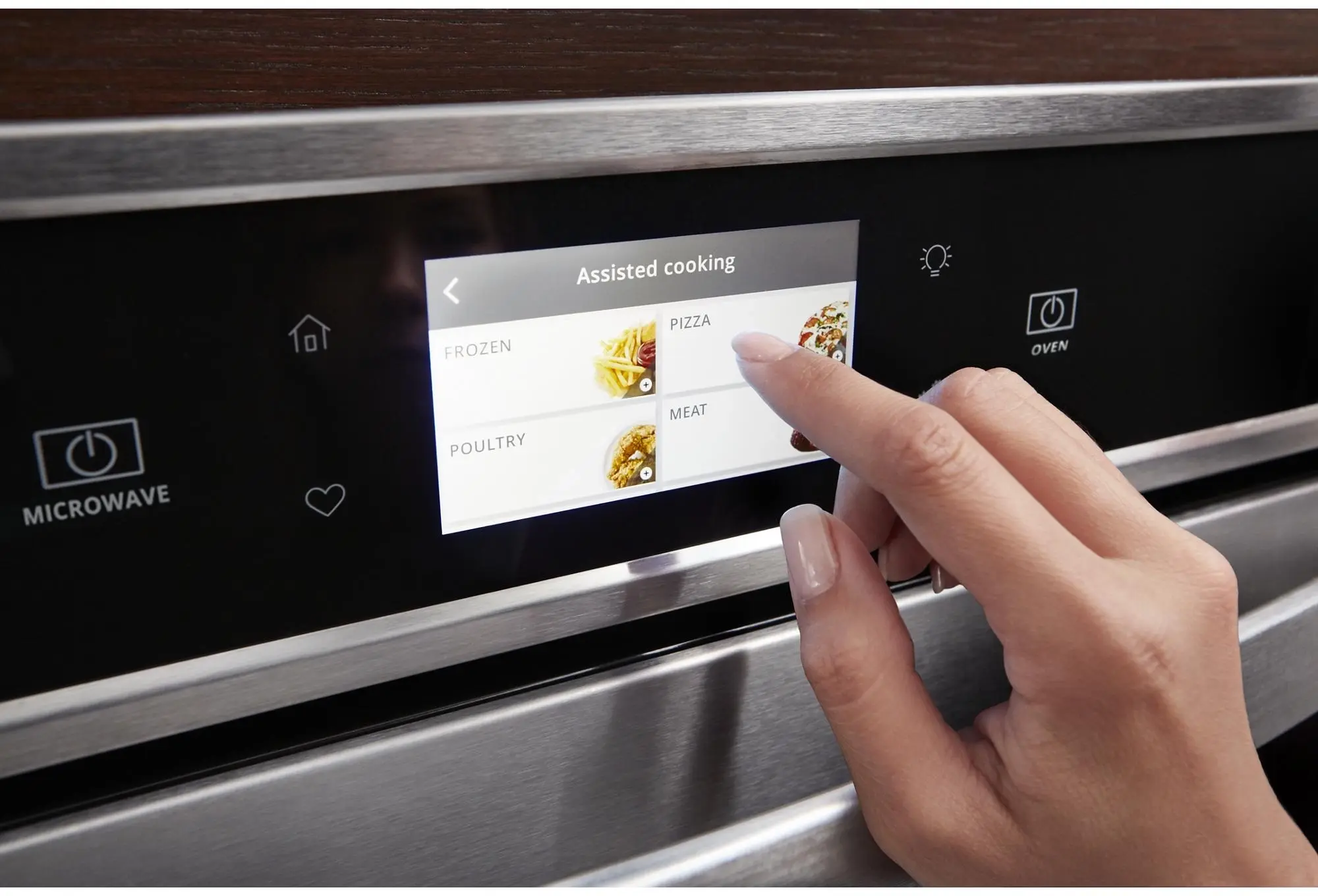
Touchscreen
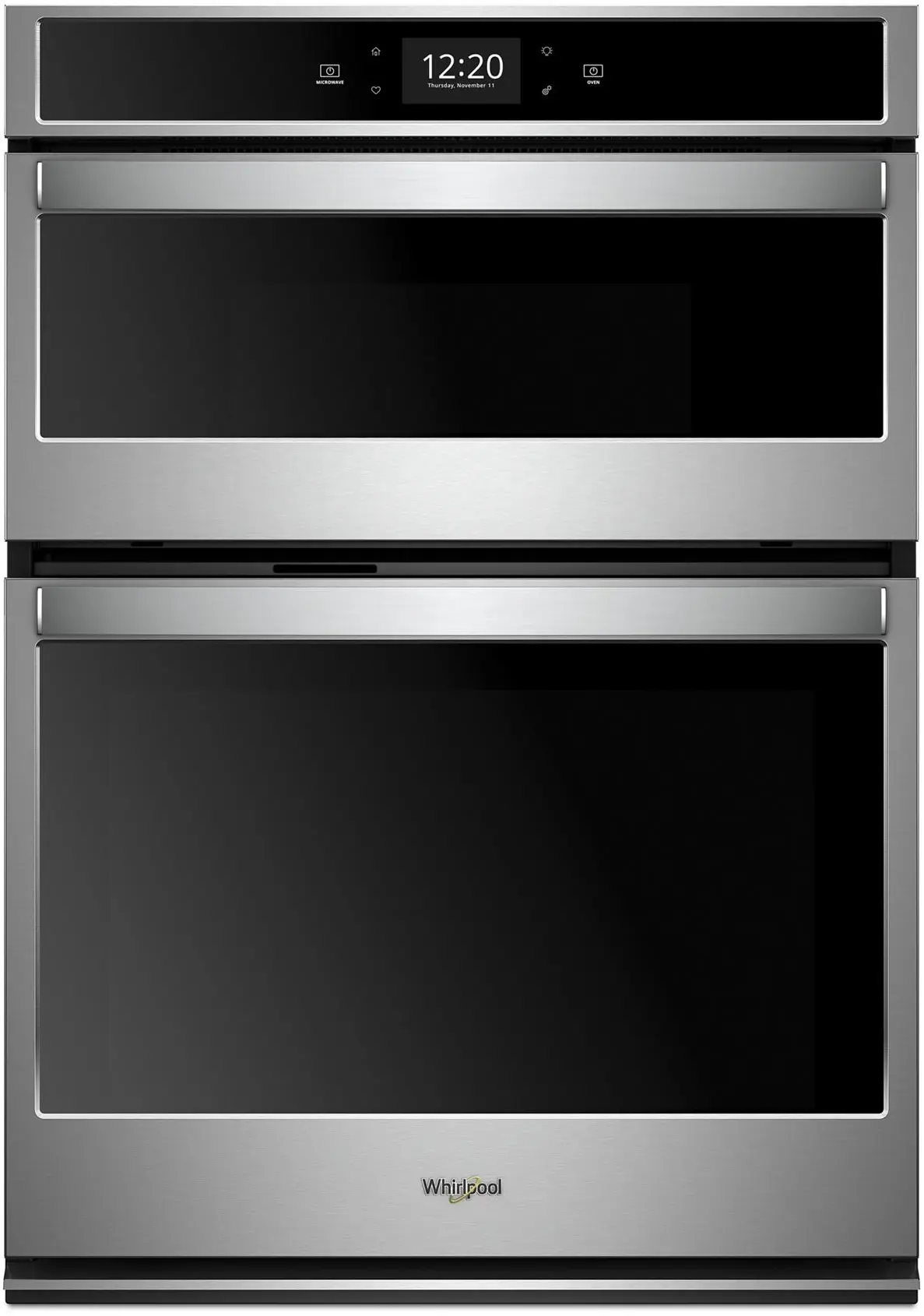
Get instant access to the settings you use most with an all-new touchscreen that learns, adapts and suggests customized presets based on your family's routines.
Voice Control With The Google Assistant
Control your kitchen no matter what you've got on your hands using simple voice commands with the Google Assistant.
Fingerprint Resistant
Resists fingerprints and smudges with steel that easily wipes clean. Available in Black Stainless Steel.
Multi-step Cooking
Make multi-step meals more simple. Use your smartphone or tablet to send multiple cooking instructions to the oven all at once. The temperature automatically adjusts based on the recipe you enter for great results without having to monitor your meal.
Frozen Bake Technology
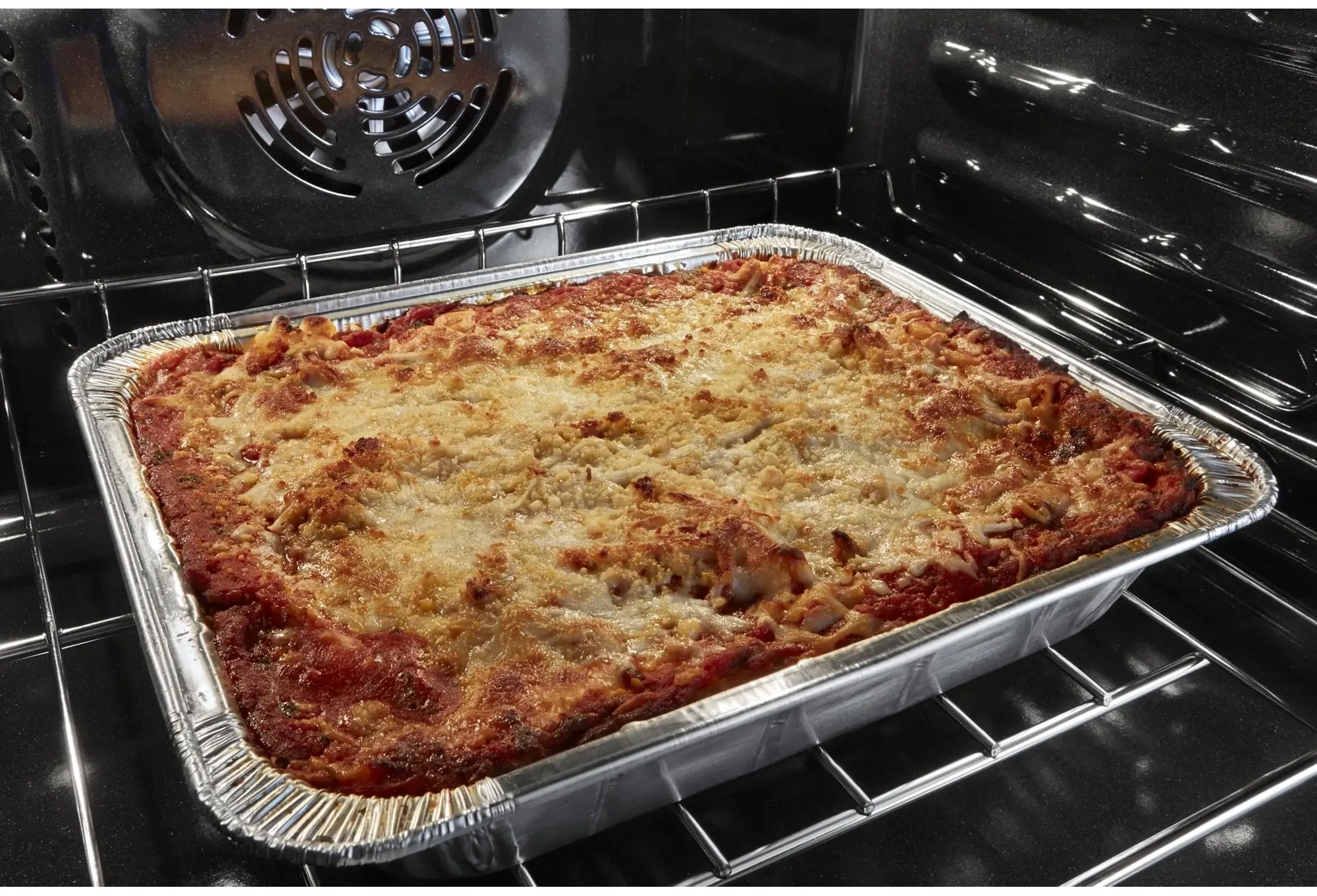
Skip preheating with Frozen Bake technology. Cook frozen food with preprogrammed settings that automatically adjust cooking times so you can get select dinner items like pizza and lasagna from the oven to the table in less time.
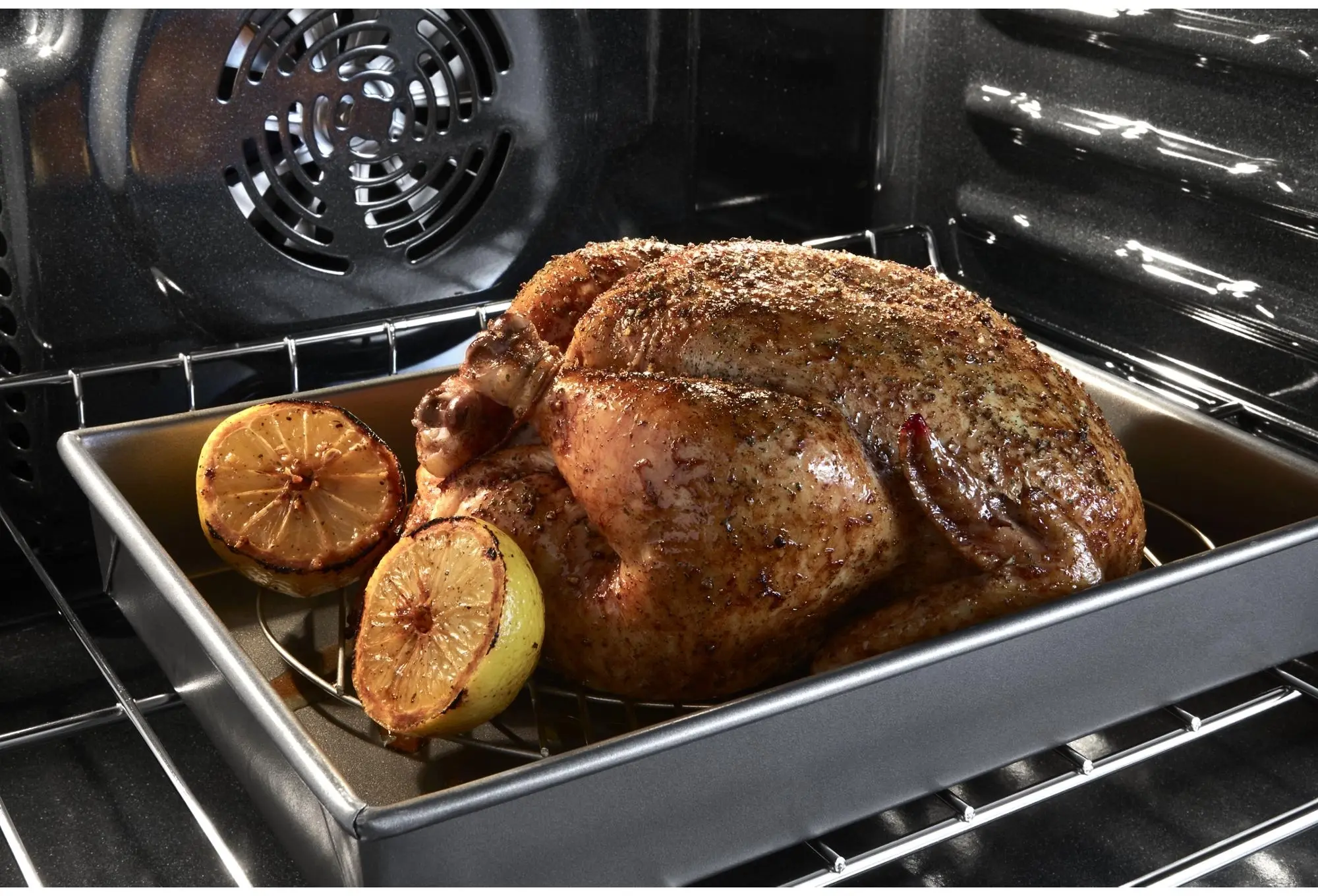
True Convection Cooking
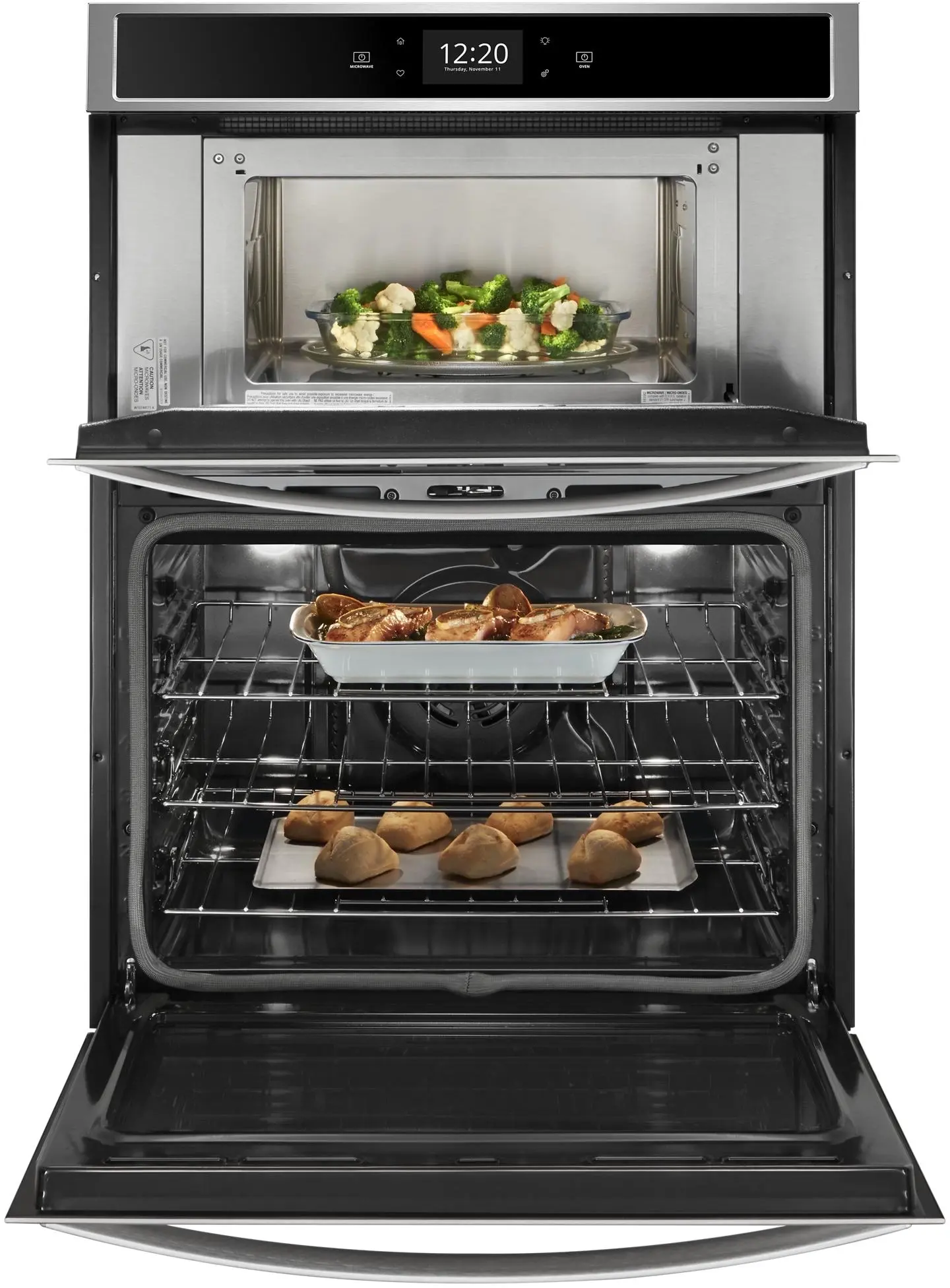
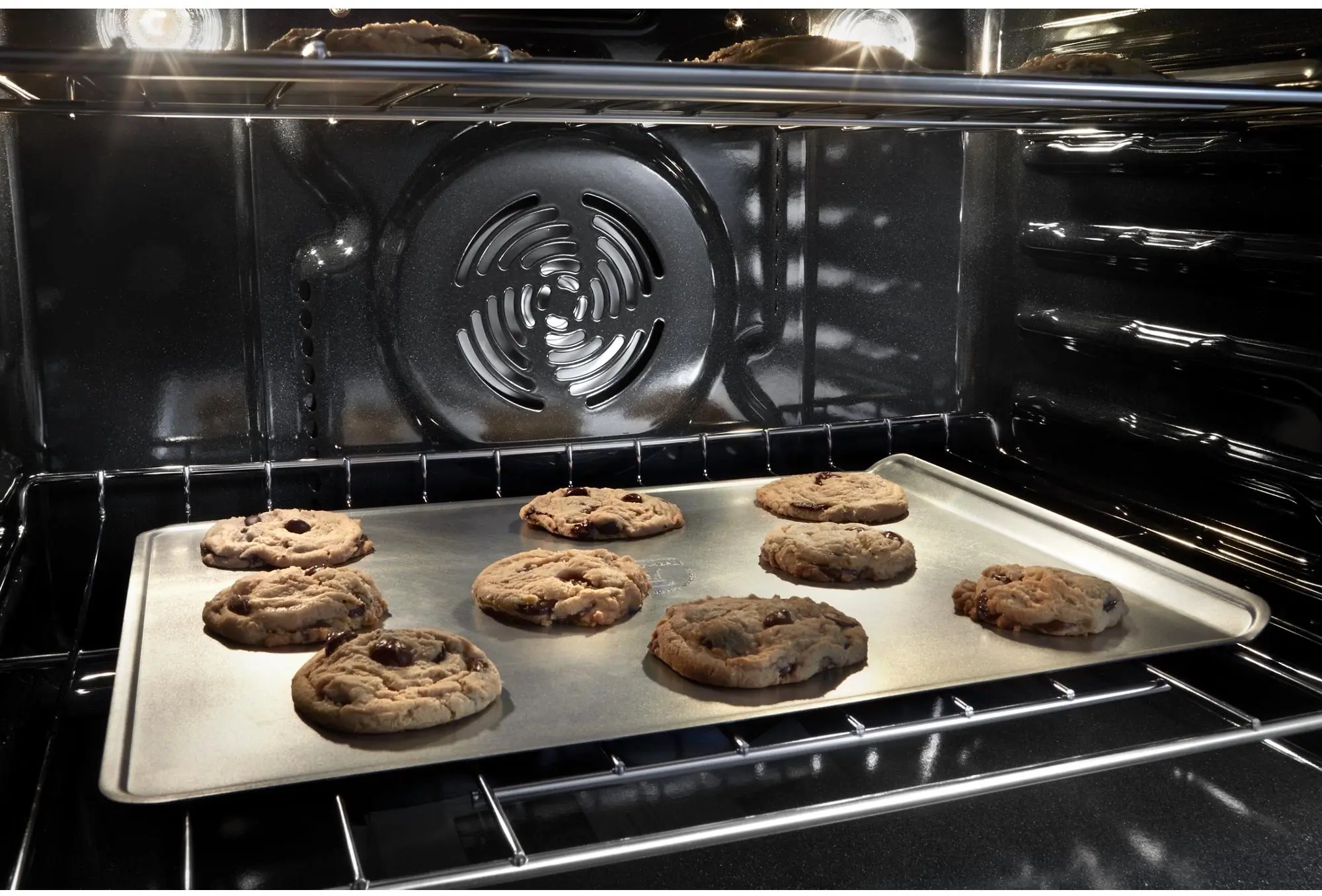
Cook foods faster with the addition of a third element plus a fan that distributes hot air evenly over, under and around food so dinner is ready when they are.
Convection Conversion
Easily get the right convection cooking temperature. Your oven automatically converts traditional recipes for convection cooking, adjusting cooking times and temperatures for you.
Nest Learning Thermostat Integration
Integrate your Nest Learning Thermostat with the mobile app to be alerted if your oven is left on while you're away.
Remote Start
With remote start enabled, use your smartphone or tablet to remotely turn your oven on so it's heated up and ready to cook meals when you are.
Keep Warm Setting
Keep dishes from getting cold with this setting that delivers low heat to the oven. Control it remotely or manually so food stays warm and ready to serve whether you're home or away.
Party Mode
Start preparing for guests from your smartphone or tablet. With remote start enabled, this mode automatically turns on the Keep Warm setting so dishes stay ready to serve.
Enhanced Troubleshooting
Get immediate support for quick solutions by using your smartphone or tablet to access troubleshooting videos.
Guided Service
Keep track of scheduled appointments and make sure issues are known using the mobile app to send data from the appliance directly to Whirlpool brand customer service.
Self-close Door
Keep doors from shutting too quickly with the smooth, quiet mechanism of self-close doors.
Temperature Sensor
Get evenly baked food with a sensor that monitors oven temperature and adjusts the cooking elements.
Rapid Preheat
Save time with 20% faster preheating. A rear fan combined with the use of all of the elements helps to heat the oven quickly.
Control Lock Mode
Use your smartphone or tablet to remotely disable the control panel to avoid unintended use.
Sabbath Mode
Use your smartphone or tablet to remotely set the oven to remain on the "Bake" setting at a constant temperature until it's manually turned off. When this mode is enabled, displays, tones and all other cooking and cleaning cycles are disabled.
Tap Touch Controls
Clean these controls as easily as you use them.
6.4 Cu. Ft. Total Capacity
Extra-large Window
Keep an eye on your meal through the extra-large oven window.
Scan-to-connect Technology
You don't need to be a tech expert to connect your new appliance. Simply open the Whirlpool(R) app, add your appliance and follow the guided experience to get up and running quickly.
Whirlpool WOC75EC0HS Reviews
5 Star
40%
4 Star
20%
3 Star
17%
2 Star
5%
1 Star
18%
65%of respondents would recommend this to a friend
By :nj846
From:Pittsburgh, PA
Submitted : 5/11/2024
Reviewed at: Whirlpool

Verified Buyer
Submited as part of a sweepstakes entry
I've used the microwave/oven combo for 2 months, and they work great. Haven't explored the convection/air fry functions yet. The all-digital control format took awhile to get used to. It's not "intuitive", and for me at least, required a thorough reading of the manual. I use the timer frequently for other things, but to get to it you have to go to settings. Would have been nice to have its own icon on the display. ( It does pop up if you're using the oven.) but overall, easy to use once you know what you're doing.
By :Tyrantmusic1
From:Pennsylvania
Submitted : 4/4/2024
Reviewed at: Whirlpool
Verified Buyer
Submited as part of a sweepstakes entry
Great price, warranty, service, delivery, installation.. Accurate and efficient.
By :Books
From:Johnsburg il
Submitted : 2/17/2024
Reviewed at: Whirlpool
Verified Buyer
Submited as part of a sweepstakes entry
Works great. Temperature control is easy to set. Wish I could have a operator manual.
Read More Reviews